• About

enjolivure

~ embellishments for digital scrapbooking and more

enjolivure

Author Archives: Enjolivure

Two Pages @ Once

12 Thursday Jul 2012

Posted by Enjolivure in Scrapbooking

≈ 6 Comments

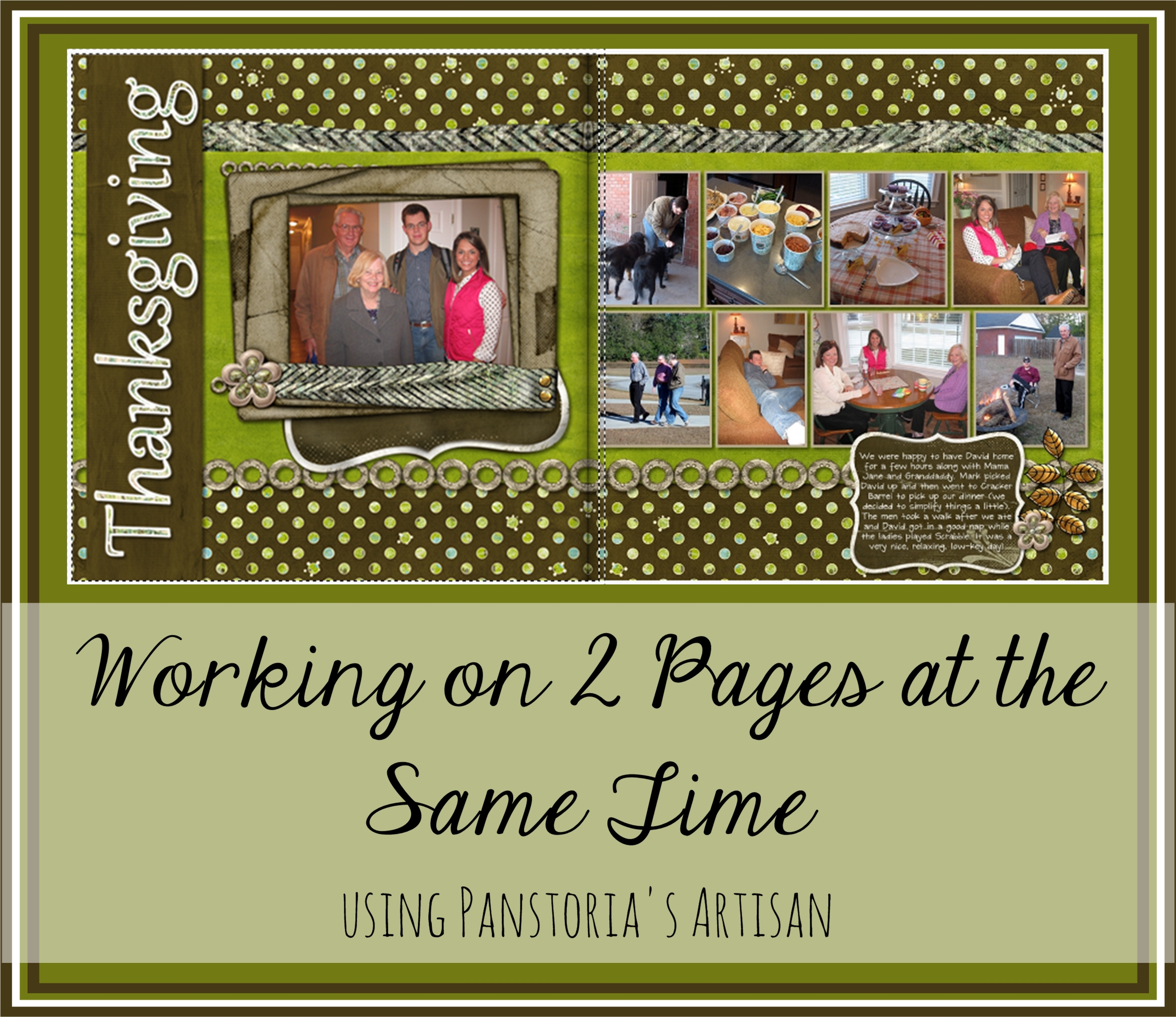
two pagesSeveral days ago while scrapbooking at a friend’s kitchen table, she commented on how nice it would be to work on two pages at once instead of having to wait for the file to save while going back and forth between two related pages. Thanks to a frappe consumed earlier in the day, it occurred to me very late last night that there was a way to do this (I am typically asleep within seconds after going to bed).

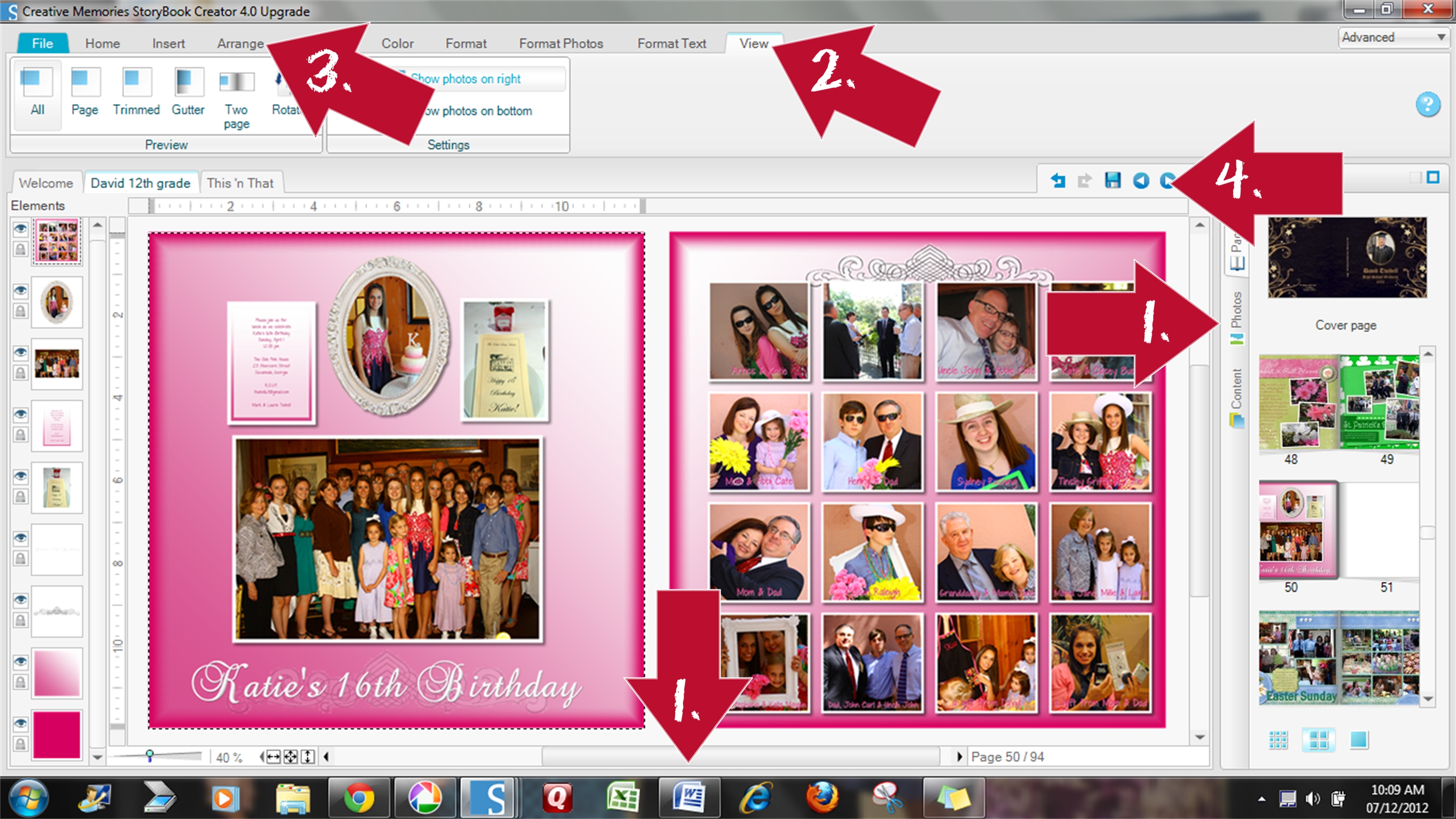
1. Click on the vertical bar that separates your work area from the Pages/Pictures/Content column on the right and move it as far to the right as it will go. Move the bottom horizontal bar to the right.

2. Select “View” and then “All.”

3. Create your facing page on a 12 x 12 square. When you are done, gather up the elements that make up the second page (hold down the shift key and click on each element) and group them together (“Arrange” tab and “Group”).

4. Right click on the group, select Cut, move to the next page and click Paste. Go back to the Two-Page View and make sure it’s all how you want it. You’ll have to “Ungroup” it if you want to make any changes. You may find that everything, except for the background, needs to be moved to the right a bit to allow for the binding. To do this, lock the background, then use Control-A (select all) and nudge everything into place using the arrows on your keyboard.
Celebrating 21 Years

09 Monday Jul 2012

Posted by Enjolivure in Family

≈ 1 Comment

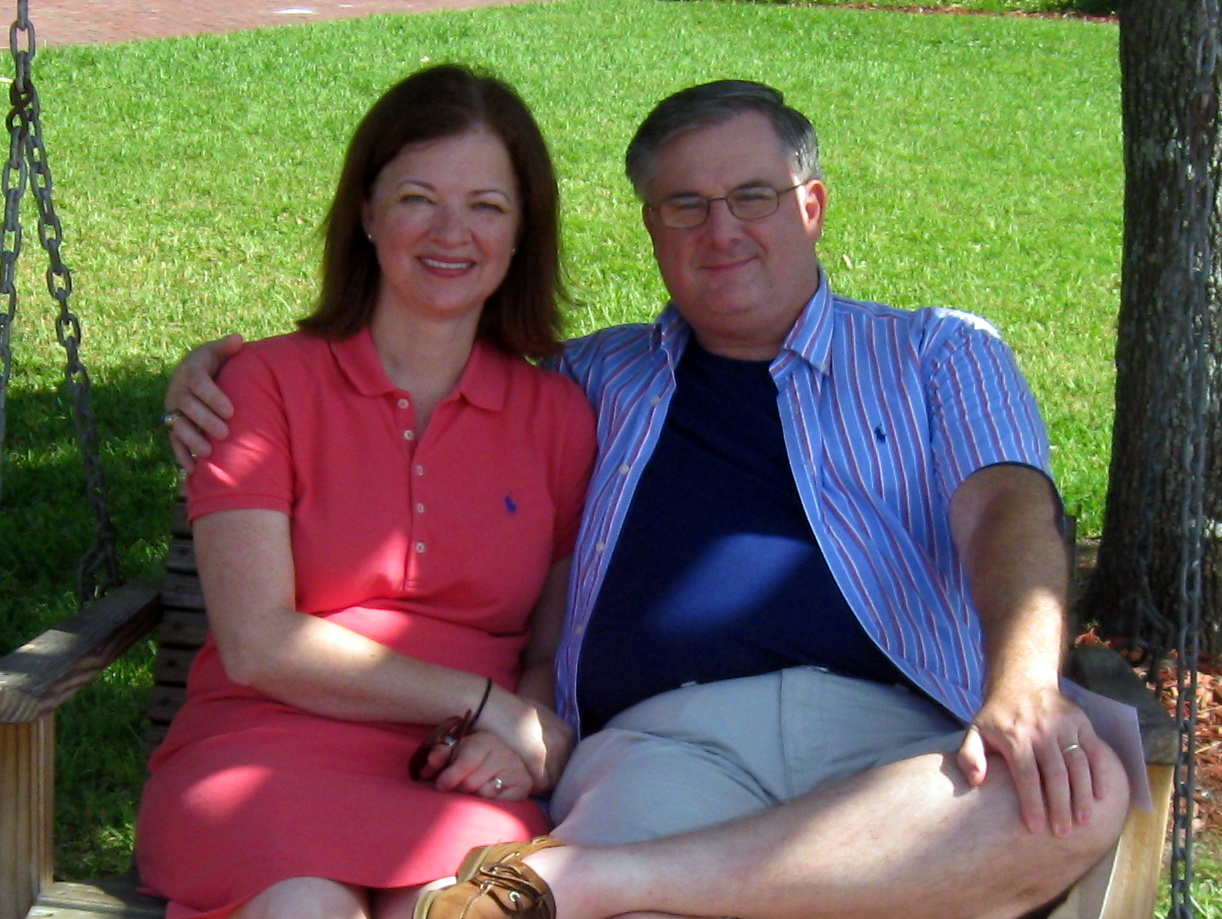
This weekend Mark and I went to St. Marys to celebrate our 21st anniversary.

St. Marys is a small, peaceful town just north of the Florida state line. I kept trying to find the perfect time and place to take some pictures for the pages designated “Anniversary” in the scrapbook I’m working on. After dinner on the last evening, we found some swings near the docks and decided we would come back the next day (when it would be much hotter, of course) with my camera. The lady who took the picture declared it was perfect. No picture of me is ever “perfect” but I will concede that it is good enough.

That said, I believe I did take a picture this weekend that is, due to God’s amazingly detailed creativity, actually perfect. After leaving St. Marys we drove west to the Okefenokee National Wildlife Refuge. This place caught my attention several years ago but because my children think they are too old for field trips, we have never gotten around to going there. I was looking forward to an exciting boat ride on the swamp and seeing hundreds of alligators. Mark says he saw one. We did see a dead cotton-mouth snake which was very close to the boat. The guide said it would likely not be there much longer seeing as alligators see snakes the way kids see spaghetti. Enough said.

Although the majority of the animals were hiding from the hot, hot sun, the lily pads were still open and were a beauty to behold. Using the shotgun approach of taking lots of pictures with hopes of getting at least one good one, I wasn’t disappointed. Just for the record, this was taken with a Canon Power Shot A580 which is at least six years old and has proven to be worth every penny of the $150 I spent on it.


Album Ordering Checklist

04 Wednesday Jul 2012

Posted by Enjolivure in Scrapbooking

≈ 2 Comments

Before you click on “Order,” be sure your album is completely ready!

1. Flatten photos that have the warning symbol on them. For some reason, it increases the quality of the photo.

2. Copy and paste all of your journaling into Word and reread it while checking for errors. Somehow seeing it in a different context may help to catch mistakes.

3. Double check the details on each page and also confirm the page order.

For the Cover…

1. Click on “View” and “Front Cover” to see exactly what will be on the cover. Create your cover or rearrange what’s already there if necessary.

2. Click on “Spine” and add a title that you will be able to see while the book is standing on a shelf. I typically use a very plain, clear font. Be sure you flip the title so that it will be right-side-up when the book is laying face up (Arrange, Rotate 90 degrees clockwise). Make the text box for the title the same size as the revealed spine section. Zoom in for accuracy.

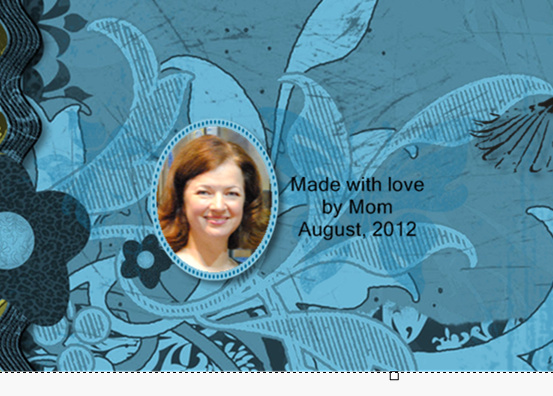
3. Insert a signature on the back cover perhaps something like the example below.

Click on the “File” tab, “Order” and continue to follow the directions. CM recommends that you check the pages once they have been uploaded to the Digital Center. It’s worth the time and money to check it all again!

Do not do this when you are tired! If you’re a morning person like me, then 10:00 pm is not the time to finalize an album.

Misc.

01 Sunday Jul 2012

Posted by Enjolivure in Scrapbooking

≈ Leave a comment

Q: What do masking tape, film strips, metal framed tags and measuring tape have in common?

A: They are all in my miscellaneous file.

(Remember to save as png files.)


Stars ‘n Stripes

01 Sunday Jul 2012

Posted by Enjolivure in Scrapbooking

≈ Leave a comment

Backgrounds like this are very easy to create in CM but if you’d rather use mine, go ahead!


Need Camo?

01 Sunday Jul 2012

Posted by Enjolivure in Scrapbooking

≈ Leave a comment

I scanned my son’s uniforms to get this “paper” and have since used it a lot. If you have rough and tumble boys, you will surely find a use for these backgrounds! Save them as jpeg files and then as paper when you import into CM.


Little Text Boxes

01 Sunday Jul 2012

Posted by Enjolivure in Scrapbooking

≈ Leave a comment

Here are two little fancy two-piece text boxes. The colored part can be filled with paper, color, texture – whatever you want. Then place the outline over it. You can add dimension to it, change the color or again – whatever you want. When you’re done, I suggest flattening them together before adding a shadow.


Be sure to save these as png files when you download them.

Darkening the Edge

30 Saturday Jun 2012

Posted by Enjolivure in Scrapbooking

≈ 2 Comments

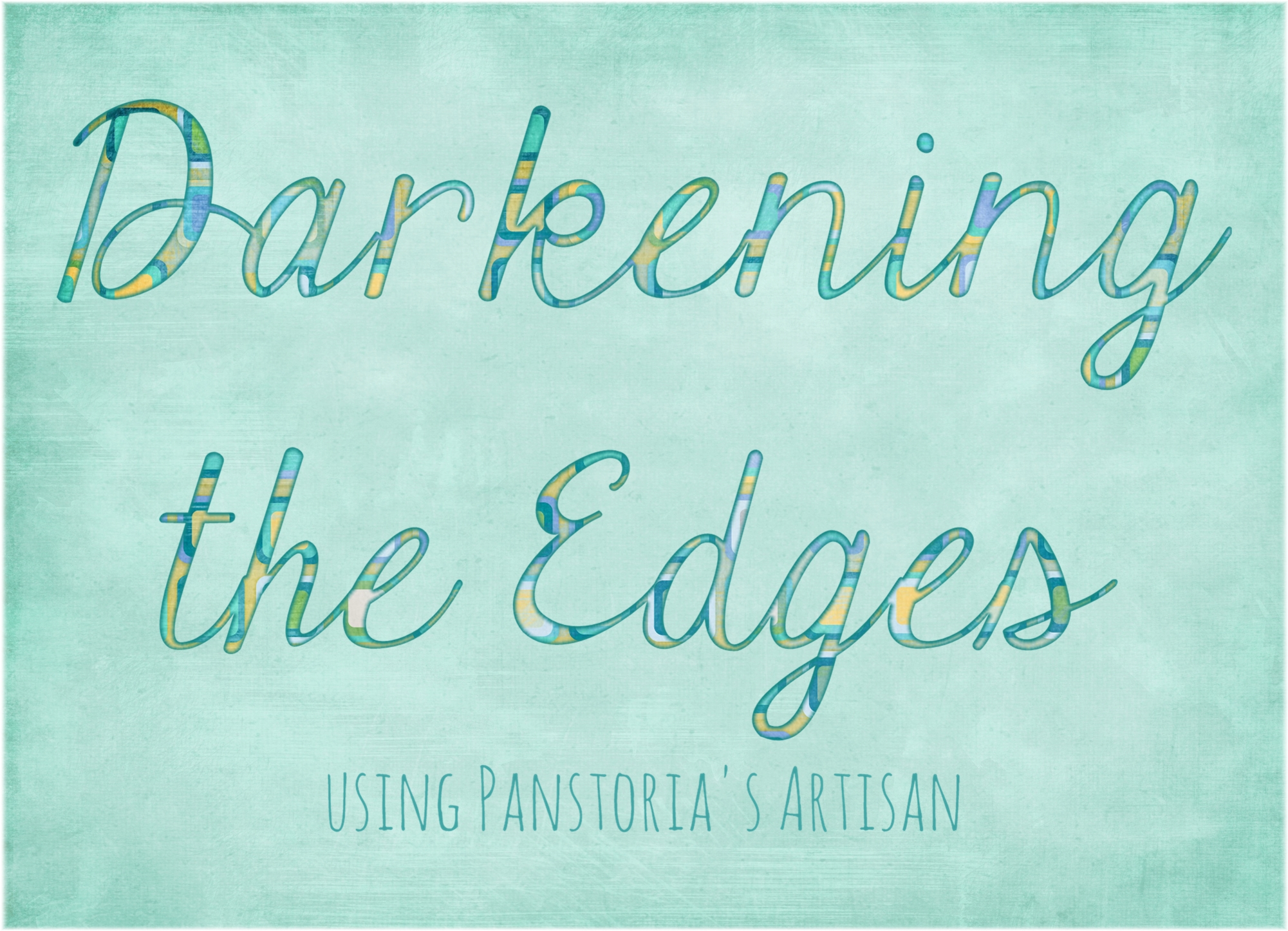
Darkening the EdgesMany scrapbooking papers in the stores have a slightly darker area around the edge. We can do this with digital scrapbooking…

1. Copy the paper.

2. Line up the original and the copy (Arrange tab, Align vertically and horizontally).

3. Select the original and darken it just a little bit (Color tab, Brightness & Light) or click on Click & Fill, Color, Colors on this Page, select the darkest one, OK.

4. Select the copy and blur the outside edge (right click, edit image, using an image filter, edge, soften edge, pick a number and adjust if necessary).

5. Select both elements (on the element list on the left side of the screen the darker original should be below the softened copy), arrange, flatten and then add shadows if desired.

By the way, this works with any element that could use a bit of a darker, more defined border. If you want to use this method with text, you will have to flatten it first so it becomes an element. Filter options work on elements only.

Doilies

30 Saturday Jun 2012

Posted by Enjolivure in Scrapbooking

≈ Leave a comment

These aren’t exactly hand crocheted doilies, but they are cute and will add interest to a page.


Shabby Journal Boxes

30 Saturday Jun 2012

Posted by Enjolivure in Scrapbooking

≈ Leave a comment

These are great journaling boxes or just something to tuck in somewhere to add interest. Right click and save as png files in your User Content folder.


← Older posts
Newer posts →

Recent Posts

  • 12-Block Scrapbooking
  • A Personalized Sleeve for a Coffee Cup
  • When Outlined Text Shapes Overlap
  • Front & Center
  • Safeguard Your Scrapbooks!

Archives

  • May 2016
  • November 2015
  • October 2015
  • June 2015
  • March 2015
  • November 2014
  • July 2014
  • March 2014
  • December 2013
  • November 2013
  • October 2013
  • August 2013
  • July 2013
  • May 2013
  • April 2013
  • March 2013
  • January 2013
  • December 2012
  • October 2012
  • September 2012
  • August 2012
  • July 2012
  • June 2012

Categories

  • Family
  • Misc.
  • Scrapbooking

Enter your email address to follow this blog and receive notifications of new posts by email.

Join 24 other subscribers

Follow my Blog!

  • RSS - Posts
  • RSS - Comments

Blogs I Follow

  • Inside Stitch: The Official Vera Bradley Blog
  • Ordinary Days
  • WordPress.com News

Create a free website or blog at WordPress.com.

Inside Stitch: The Official Vera Bradley Blog

Ordinary Days

Finding beauty, joy, and simplicity in the everyday moments

WordPress.com News

The latest news on WordPress.com and the WordPress community.

Privacy & Cookies: This site uses cookies. By continuing to use this website, you agree to their use.
To find out more, including how to control cookies, see here: Cookie Policy
  • Subscribe Subscribed
    • enjolivure
    • Already have a WordPress.com account? Log in now.
    • enjolivure
    • Subscribe Subscribed
    • Sign up
    • Log in
    • Report this content
    • View site in Reader
    • Manage subscriptions
    • Collapse this bar
 

Loading Comments...