
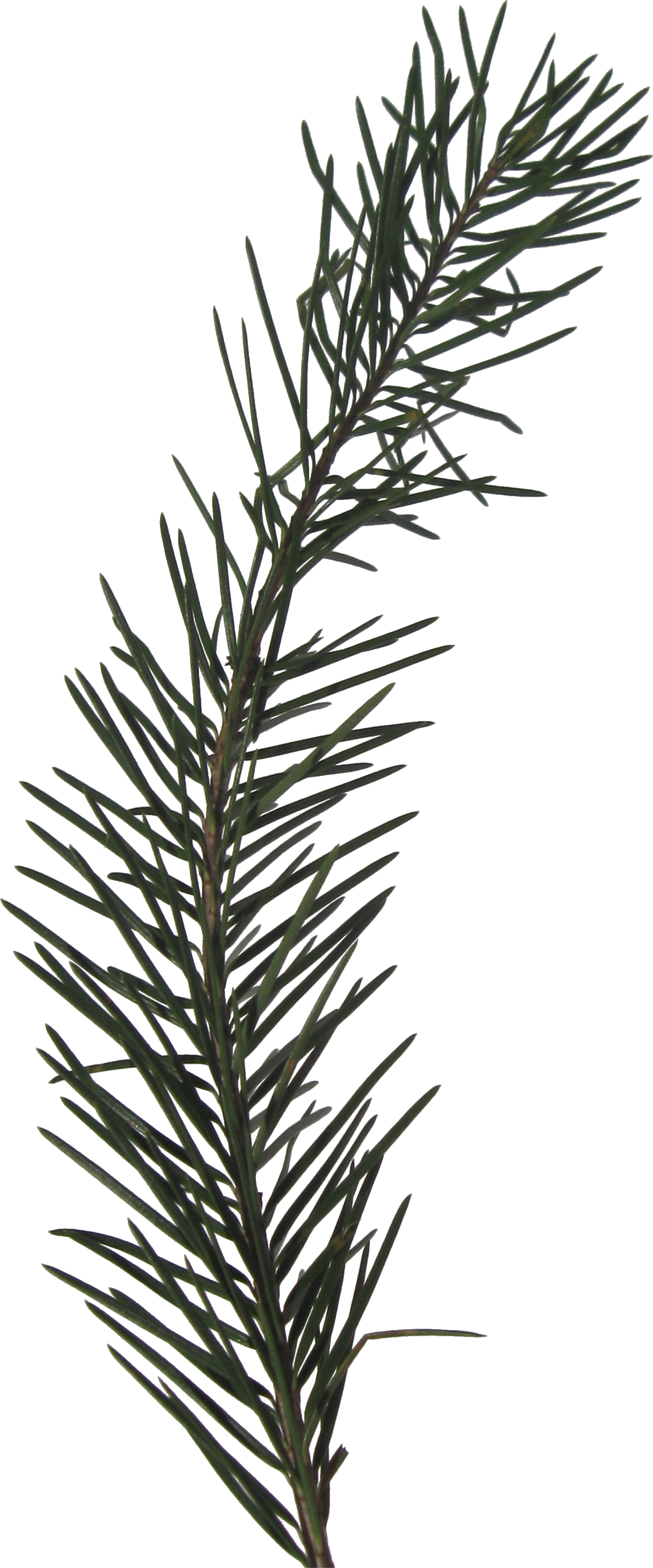
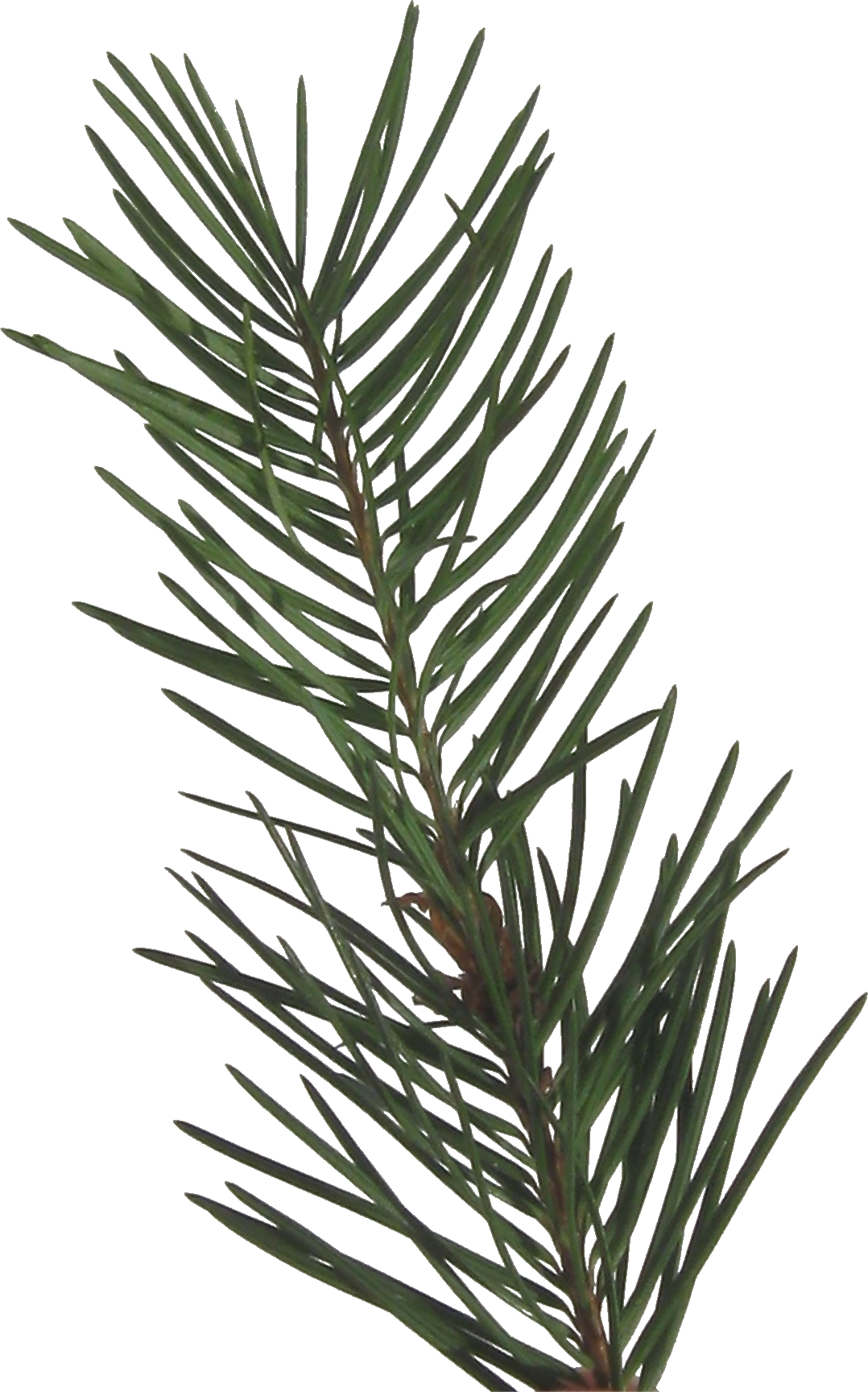
Save these sprigs as png files. Hopefully you’ll find a use for them around Christmas time.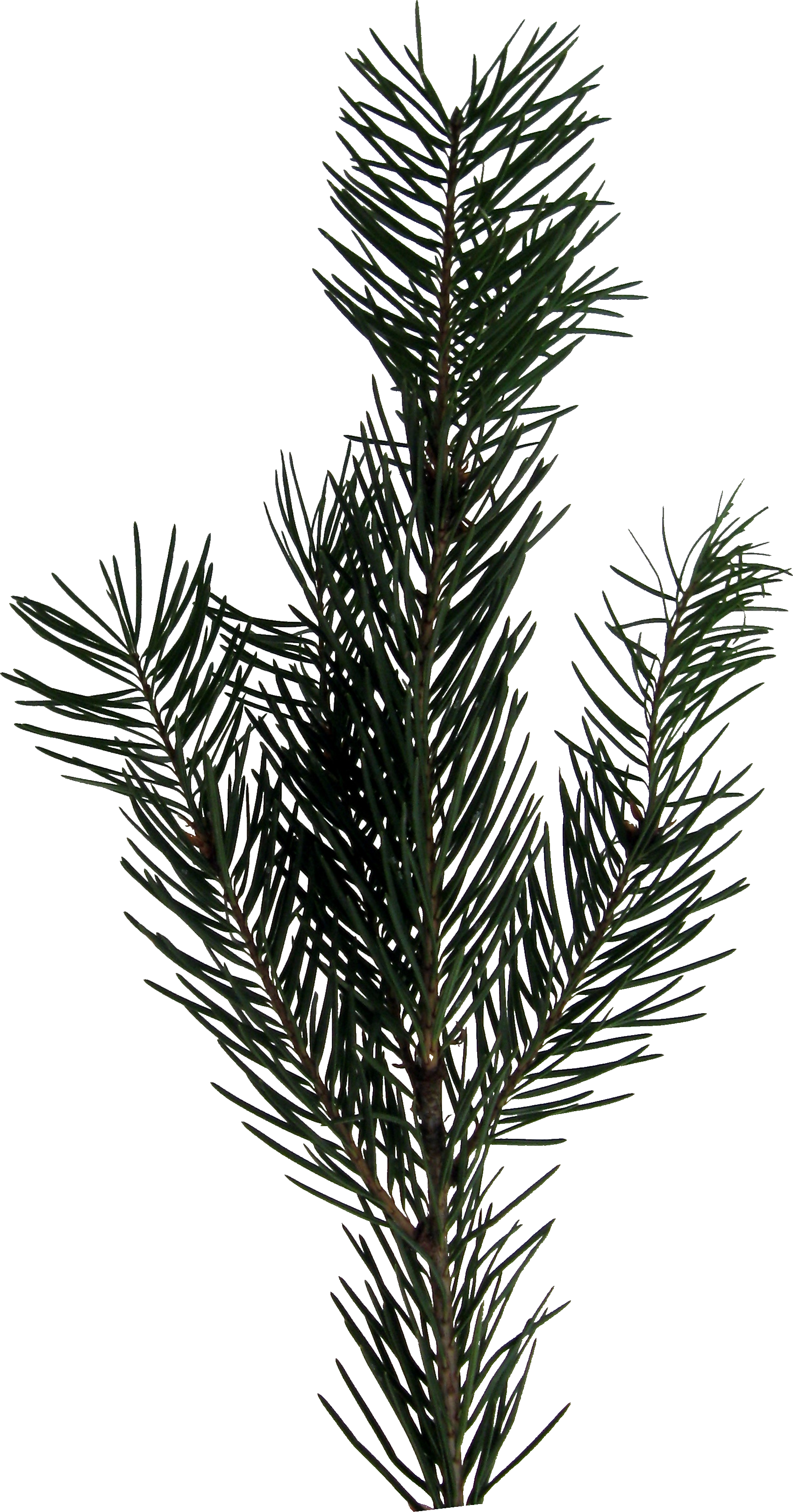

30 Saturday Jun 2012
Posted in Scrapbooking
Save these sprigs as png files. Hopefully you’ll find a use for them around Christmas time.
30 Saturday Jun 2012
Posted in Scrapbooking
Visit Creative Memories’ Facebook page (CM on FB) and click on “Tutorials & Freebies” for tons of tips and inspiration.
30 Saturday Jun 2012
Posted in Scrapbooking
I love fonts! Not sure why… maybe it’s because they are free and add so much personality and variety to a page.
If you are concerned about your digital books not being personal enough, then consider spending $50 to have your handwriting made into a font. Handwriting Font
Installing fonts is easier than it use to be (or maybe I just didn’t know about this).
1. Go to a website such as Dafont or search for a free fonts website
2. Select a font
3. Click download
4. Go to your File Manager and open Downloads
5. Double-click on the font file to unzip it
6. Double click on the font file and a box should open which shows a sample of the font
7. Click on Install
Here are several fonts I recently downloaded: Janda Everyday Casual GeeohHmk Leokadia Deco The Janda font is very similar to the handwriting of an acquaintance so I sent the link to her. Who knows? Maybe you’ll find one that looks familiar and you can save the $50:).
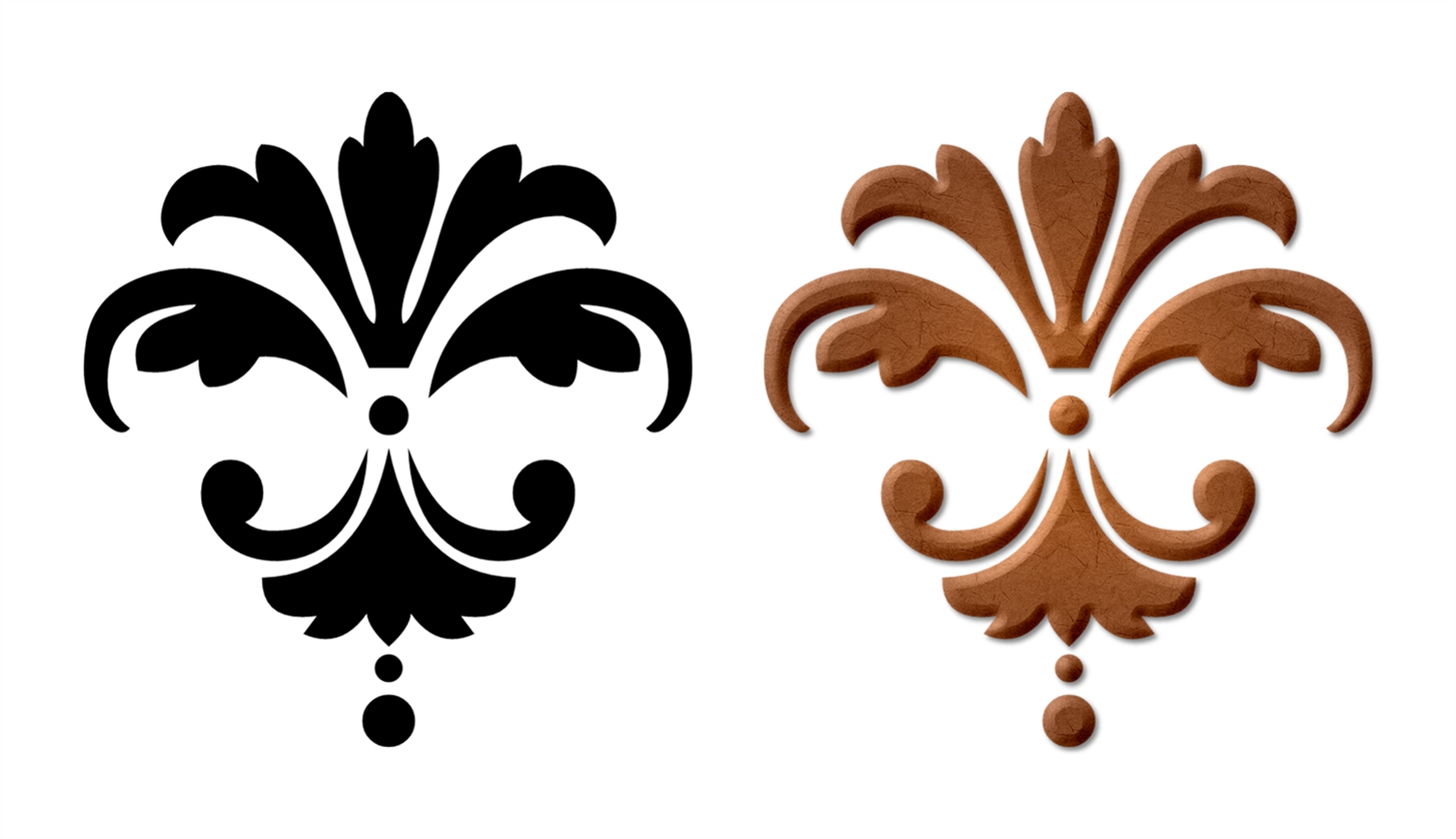
But wait, there’s more. You can also download shape and design fonts and turn them into beautiful elements. I’ve attached a sample using Damask Dings uppercase A. After flattening it, I added gradient color, texture, dimension and shadow. It only took a minute or two and best of all, it was free.
30 Saturday Jun 2012
Posted in Scrapbooking
Click here if you want to subscribe to CM’s RSS feed. (According to Wikipedia it stands for Really Simple Syndication.) I use Google so when I log on to iGoogle, I get the page where I can feed my fish, see news headlines, see the first few emails in the inbox and, best of all, see a few digital and a few traditional inspirational layouts or freebies.
30 Saturday Jun 2012
Posted in Scrapbooking
CM has a special section on their website for all the free things they want to give you! (Select shop, digital, artwork, free artwork) click here to see free artwork
View the PDFs here to see what all you get.
The really great thing to remember is that you can harvest (save in your content file) elements from this artwork to use wherever you want. And, of course, you can change any of the elements to suit what you’re working on.
30 Saturday Jun 2012
Posted in Scrapbooking
Every month, Creative Memories comes out with an amazing amount of new artwork for us digital scrapbookers. When I buy and download new kits, I print the PDF for that kit and place it in a plastic protector in a 3-ring binder. It’s very easy to flip through the binder when looking for something specific. To see the PDF’s, go to the bottom of the CM page, and you will see a link to Digital Artwork in the Help Zone.
30 Saturday Jun 2012
Posted in Scrapbooking
This is an amazing technique I came across for creating round or oval mats for photos instead of creating a separate element. I wish I had known about this when I first went digital; it would have saved a lot of time.
1. select photo
2. format photos
3. “select frame”
4. double click on “double mat”
5. under the “format photos” tab select “customize”
6. select the smaller mat (first on the top row of the pop-up window), “cutout”, double click on “ellipse” (circle), “mat fill” make your selection (anything but transparent)
7. select the larger mat (second on the top row, green by default on 4.0), “cutout”, double click on “ellipse” (circle), “mat fill”, “make transparent”, “okay”
For a double mat, select the triple mat and make sure the largest mat is transparent.
30 Saturday Jun 2012
Posted in Scrapbooking
If you go to the Creative Memories website (click here) and scroll down to the bottom, you will see six icons in the right hand corner. The first one is a link to several blogs. You can sign up for email updates from the blogs that interest you. The second one is for consultants only but I’m sure you’ll recognize the last four icons. You can subscribe to the YouTube channel to receive an email each time a new video is uploaded. Click on the Pinterest icon only if you have some time to browse:).
Click here for a free trial download of StoryBook Creator 4.0.
30 Saturday Jun 2012
Posted in Scrapbooking
These are some of the websites that I go to for inspiration. Left click to bring up a high quality image then right click to save it in an idea file. Bring the photo into CM, make it 12 x 12 and layer your elements on it using it as a guide.
I love how I can create almost anything with CM. It’s very easy to scrap lift!
30 Saturday Jun 2012
Posted in Scrapbooking
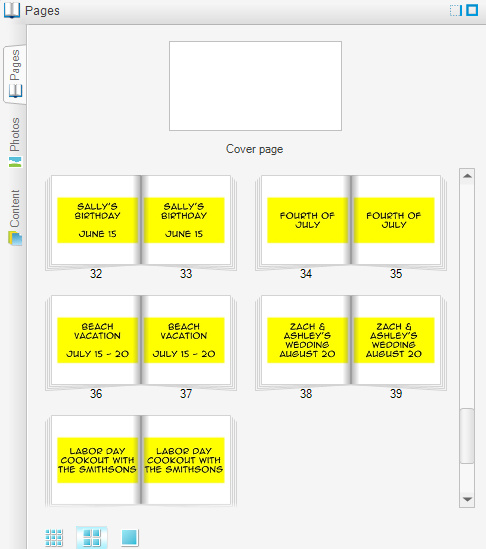
A Creative Memories StoryBook has a maximum of 100 pages (50 sheets of paper). If you’re like me and you make a book for each year and you are in the habit of making a two-page spread for every event and there is a chance that this might not be enough or it might take some careful planning to fit everything in, label your pages with your plans ahead of time. This way, if life doesn’t go according to plan (ha ha) then you can tweak your scrapbooking plan. For example, you might decide to use only page for the neighbor’s cousin’s wedding and only one page for the Labor Day party. Alternately, if your plan takes up only 80 pages, then you know that you are free to use four pages for the beach vacation!
Finding beauty, joy, and simplicity in the everyday moments
The latest news on WordPress.com and the WordPress community.
 enjolivure